
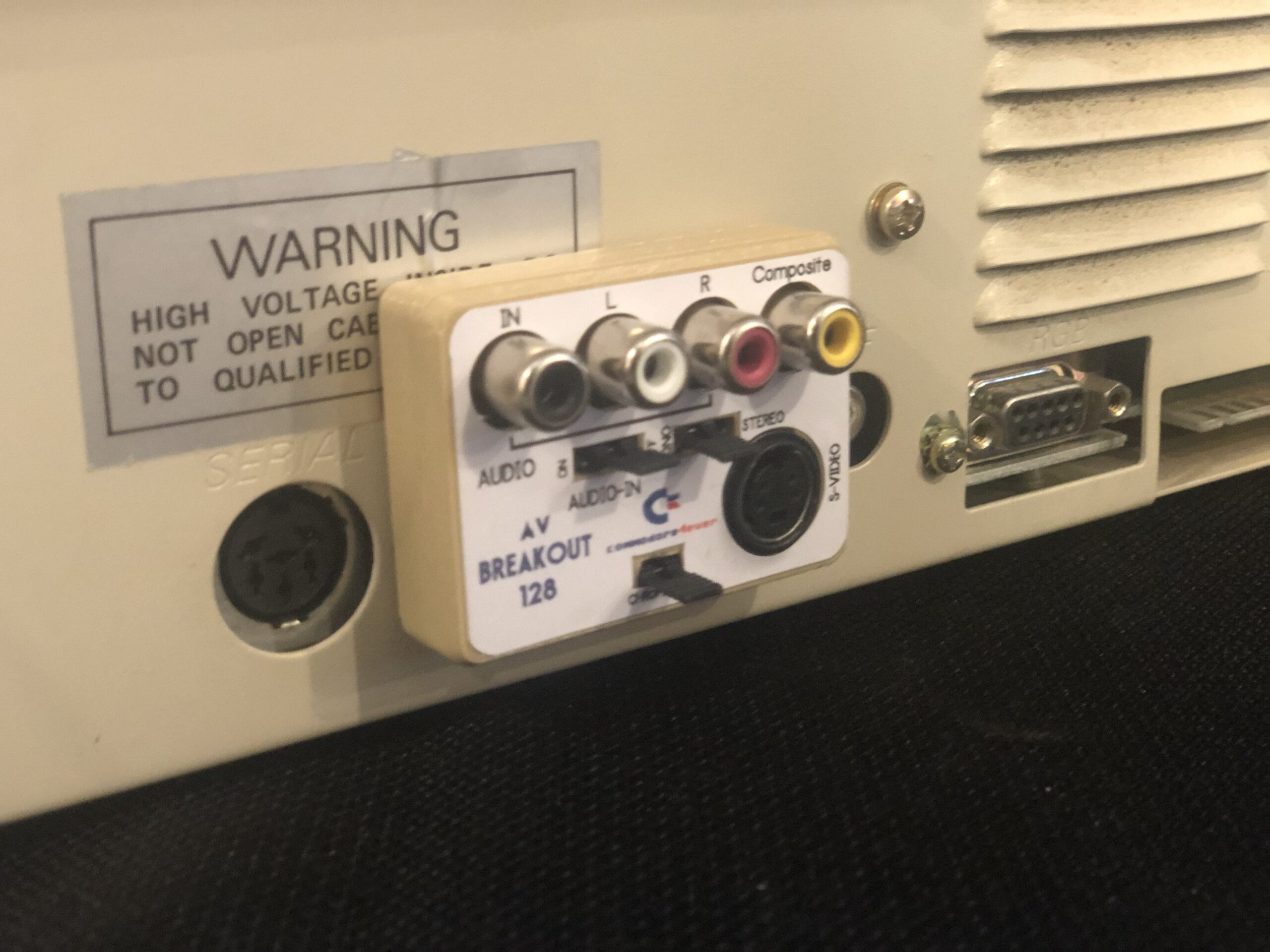
The Commodore 128D: A Desktop Take on the C128
The Commodore 128D brought the capabilities of the Commodore 128 into a compact desktop-style system. Introduced in the mid-1980s, it combined the computer, keyboard, and a built-in 5¼-inch floppy disk drive in one package. For home users, schools, and small offices, that design meant fewer separate components to set up and store.
Three computers in one
Like the standard Commodore 128, the 128D offered three operating modes. Its native C128 mode used the 8502 processor and provided 128 KB of RAM, an improved version of Commodore BASIC, and support for an 80-column display. It could also run most Commodore 64 software in C64 mode, making the system compatible with the large library of games and applications already available.
The third option was CP/M mode, powered by a Zilog Z80 processor. CP/M was a widely used operating system for business and productivity software. Although the C128’s CP/M capabilities had limitations compared with some dedicated CP/M machines, the option gave users access to another important software ecosystem.
A built-in disk drive
The defining feature of the 128D was its integrated 1571-compatible floppy drive. The 1571 could read and write Commodore 5¼-inch disks and supported double-sided operation with compatible drives and software. Since the drive was built into the computer, users did not need to connect a separate disk unit to get started.
The keyboard detached from the main case and connected by cable, allowing it to be positioned comfortably in front of the computer. This arrangement made the 128D feel more like a small desktop workstation than a conventional home computer.
Different versions
The 128D appeared in different forms in different markets. Some versions used a plastic case and included a cooling fan. A later revision, commonly known as the 128DCR (“Cost Reduced”), used a redesigned metal case and made internal changes. Details varied by model and region, so the label on the machine and its internal configuration can help identify a particular version.
Why it mattered
The 128D was part of Commodore’s effort to offer a more capable computer while preserving compatibility with the popular C64. Its combination of C128, C64, and CP/M modes made it unusually versatile, while the built-in disk drive gave it a tidy, integrated design. It did not replace the C64’s enormous software library or transform the CP/M market, but it offered a practical upgrade path for users who wanted more features without giving up familiar Commodore software.
Today, the Commodore 128D is remembered as one of the most distinctive members of the C128 family. Its all-in-one form, multiple operating modes, and connection to the broader Commodore ecosystem make it an appealing machine for collectors and retrocomputing enthusiasts.
6 Essential Tips for Optimizing 128D Embedding Comparisons
- For 128D embeddings, normalize vectors before comparing them.
- Choose cosine similarity or dot product consistently.
- Keep every vector at exactly 128 dimensions.
- Use the same embedding model for all vectors you compare.
- Test retrieval quality on representative examples.
- Store vectors in a format that preserves numeric precision.
For 128D embeddings, normalize vectors before comparing them.
For 128-dimensional (128D) embeddings, normalize each vector before comparing it so that differences in magnitude do not distort the similarity score. L2 normalization scales each vector to unit length, making cosine similarity a useful way to compare their direction and meaning. Apply the same normalization consistently to all vectors, and handle zero-length vectors separately to avoid division-by-zero errors.
Choose cosine similarity or dot product consistently.
When working with 128-dimensional vectors, choose either cosine similarity or dot product and use it consistently throughout your workflow. Cosine similarity compares the direction of vectors, while the dot product also reflects their magnitude, so switching between them can change rankings and results. Match the metric used for indexing, search, and evaluation to ensure comparisons remain reliable.
Keep every vector at exactly 128 dimensions.
When working with the 128D, keep every vector at exactly 128 dimensions to ensure consistency across your data and avoid errors in processing or comparison. Verify each vector’s length before using it, especially when combining vectors from different sources.
Use the same embedding model for all vectors you compare.
When organizing or searching information about the Commodore 128D, use the same embedding model for every vector you compare. Different models can represent the same text in incompatible ways, so comparing vectors created by different models may produce misleading similarity results. Use one model consistently for your documents and search queries to keep comparisons meaningful.
Test retrieval quality on representative examples.
Test retrieval quality on representative examples to make sure your Commodore 128D search system returns useful, accurate results. Try queries covering different models, hardware features, software, and troubleshooting topics, then check whether the most relevant sources appear near the top. Include both common questions and less obvious searches, and refine your indexing or ranking when results are incomplete, outdated, or off topic.
Store vectors in a format that preserves numeric precision.
When working with numeric vectors on a Commodore 128D, choose a storage format that preserves the values’ required precision. Converting measurements or calculations to integers—or saving them in a format that rounds or truncates values—can introduce errors that accumulate in later operations. Use an appropriate floating-point or fixed-point representation, and check that values remain accurate when saved and loaded again.