
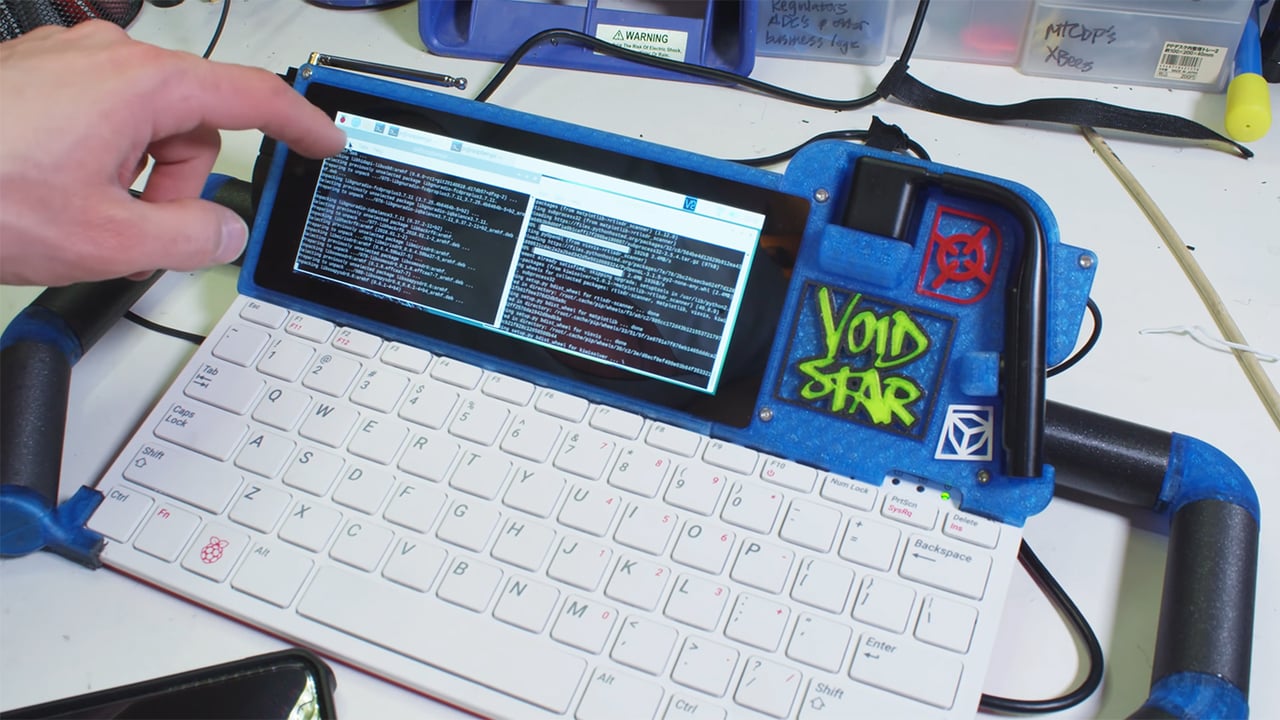
The Raspberry Pi 400: A Powerful All-in-One Computer
The Raspberry Pi 400 is the latest offering from the Raspberry Pi Foundation, known for its affordable and versatile single-board computers. What sets the Raspberry Pi 400 apart is its unique form factor – it is housed inside a compact keyboard, making it an all-in-one computer that is both powerful and easy to use.
Under the hood, the Raspberry Pi 400 features a quad-core ARM Cortex-A72 processor running at 1.8GHz, along with 4GB of LPDDR4 RAM. This hardware configuration allows the Raspberry Pi 400 to handle a wide range of tasks, from web browsing and word processing to coding and multimedia playback.
Despite its small size, the Raspberry Pi 400 offers a variety of connectivity options, including built-in Wi-Fi and Bluetooth, Gigabit Ethernet, two USB 3.0 ports, a microSD card slot for storage expansion, and dual micro HDMI ports for connecting to displays.
One of the key features of the Raspberry Pi 400 is its compatibility with a wide range of software applications. Users can install popular operating systems like Raspberry Pi OS (formerly Raspbian), Ubuntu, or even Windows on the device, opening up a world of possibilities for customization and experimentation.
Whether you are a student looking to learn programming skills, a hobbyist interested in building projects, or simply someone in need of an affordable yet capable computer for everyday tasks, the Raspberry Pi 400 offers a compelling solution that combines performance with convenience.
With its sleek design, powerful hardware specifications, and versatile software support, the Raspberry Pi 400 is poised to become a popular choice among tech enthusiasts and educators alike.
8 Essential Tips for Optimizing Your Raspberry Pi 400 Experience
- Ensure proper cooling to prevent overheating.
- Use a high-quality power supply for stable performance.
- Install an operating system on a microSD card for storage.
- Explore GPIO pins for connecting sensors and peripherals.
- Join online forums and communities for troubleshooting and ideas.
- Consider using a case to protect the Raspberry Pi 400.
- Experiment with coding projects using Python or other languages.
- Regularly update software and firmware for security and performance enhancements.
Ensure proper cooling to prevent overheating.
To ensure optimal performance and prevent overheating issues with your Raspberry Pi 400, it is crucial to prioritize proper cooling. Adequate cooling solutions, such as heat sinks or fans, can help dissipate heat effectively and maintain the device’s temperature within safe operating limits. By implementing proper cooling measures, you can prolong the lifespan of your Raspberry Pi 400 and ensure smooth and reliable operation for all your computing needs.
Use a high-quality power supply for stable performance.
For optimal performance and stability when using the Raspberry Pi 400, it is essential to use a high-quality power supply. A reliable power source ensures that the device receives a consistent and sufficient amount of power, preventing potential issues such as system crashes or unexpected shutdowns. By investing in a reputable power supply that meets the recommended specifications for the Raspberry Pi 400, users can ensure smooth operation and maximize the capabilities of this versatile all-in-one computer.
Install an operating system on a microSD card for storage.
To maximize the storage capacity and flexibility of your Raspberry Pi 400, consider installing an operating system on a microSD card. By doing so, you can easily switch between different operating systems, expand storage space, and create backups for added security. This simple yet effective tip allows you to customize your computing experience and experiment with various software configurations without making permanent changes to the device’s internal storage.
Explore GPIO pins for connecting sensors and peripherals.
To make the most of your Raspberry Pi 400, consider exploring its GPIO (General Purpose Input/Output) pins for connecting sensors and peripherals. GPIO pins allow you to interact with the physical world by connecting various components such as sensors, LEDs, motors, and more to your Raspberry Pi. By utilizing these pins, you can create exciting projects that involve sensing and controlling the environment around you, making the Raspberry Pi 400 a versatile platform for learning and experimentation in electronics and programming.
Join online forums and communities for troubleshooting and ideas.
For those looking to maximize their Raspberry Pi 400 experience, joining online forums and communities can be a valuable resource for troubleshooting issues and gathering creative ideas. These platforms provide a space for users to share their experiences, ask questions, and seek advice from fellow enthusiasts who have encountered similar challenges or have innovative projects to showcase. By actively participating in these online communities, Raspberry Pi 400 users can tap into a wealth of knowledge and expertise that can help them overcome obstacles, discover new possibilities, and enhance their overall computing experience.
Consider using a case to protect the Raspberry Pi 400.
When using the Raspberry Pi 400, it is highly recommended to consider using a protective case to safeguard the device from potential damage. A case can help prevent dust, debris, and accidental spills from affecting the internal components of the Raspberry Pi 400, ensuring its longevity and optimal performance. Additionally, a case can provide added stability and support for the device, making it easier to handle and transport. By investing in a quality case for your Raspberry Pi 400, you can enhance its durability and protect your investment for years to come.
Experiment with coding projects using Python or other languages.
For users of the Raspberry Pi 400, a great tip is to experiment with coding projects using Python or other programming languages. The powerful hardware and versatile software support of the Raspberry Pi 400 make it an ideal platform for learning to code, developing projects, and exploring the world of programming. Whether you are a beginner looking to start with Python’s user-friendly syntax or an experienced coder interested in trying out different languages, the Raspberry Pi 400 provides a flexible and accessible environment to unleash your creativity and hone your coding skills.
Regularly update software and firmware for security and performance enhancements.
To ensure optimal security and performance on your Raspberry Pi 400, it is crucial to regularly update both the software and firmware. By keeping your system up-to-date with the latest patches and enhancements, you can protect against potential security vulnerabilities and ensure that your Raspberry Pi 400 operates smoothly and efficiently. Regular updates not only help to enhance the overall user experience but also contribute to maintaining the integrity and stability of your device in the long run. Remember to check for updates periodically and apply them promptly to make the most of your Raspberry Pi 400.