
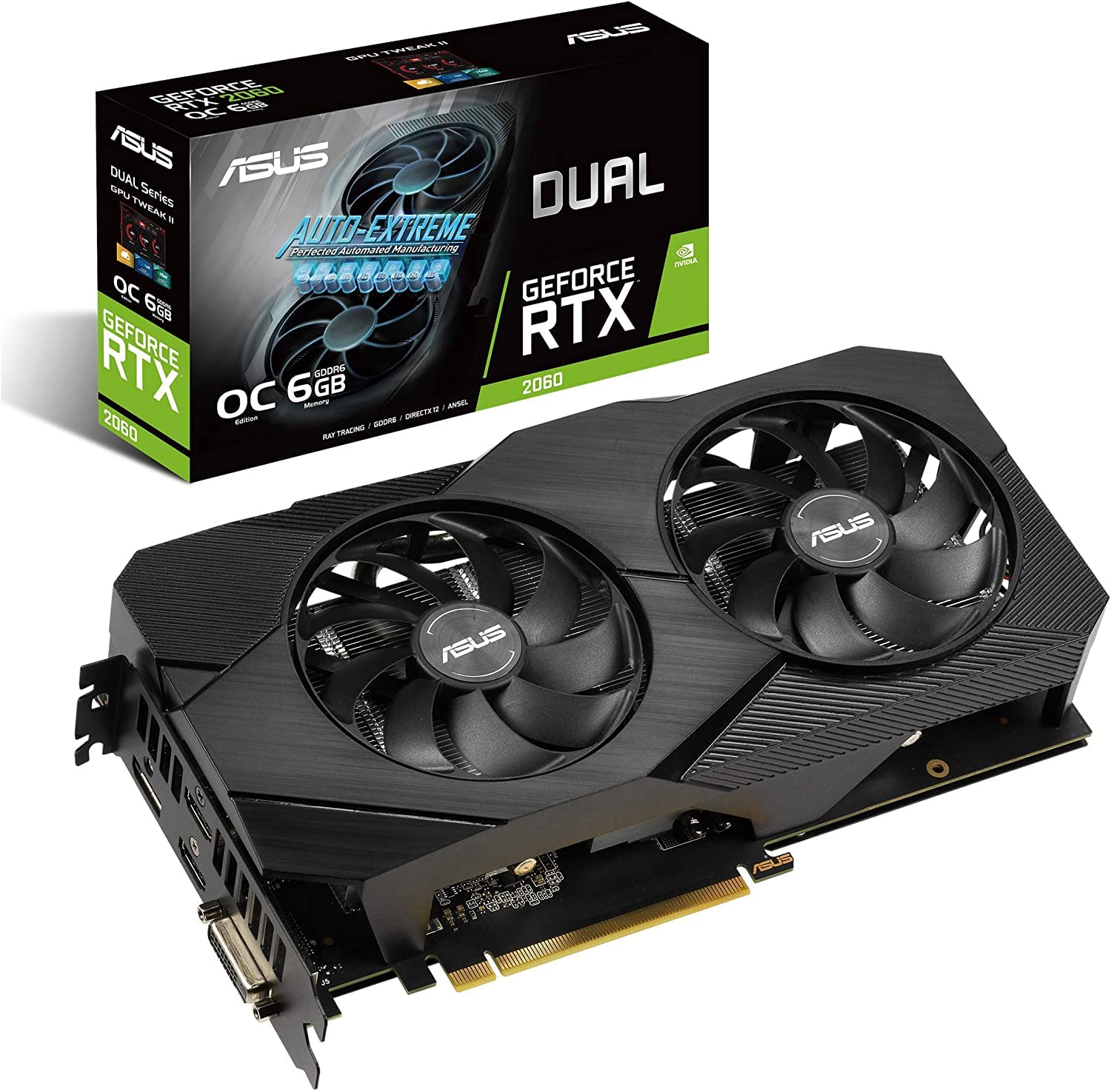
RTX 2060 PC: Is It Still Worth Buying?
A PC built around the NVIDIA GeForce RTX 2060 can still be a capable choice for gaming, everyday computing, and creative work. First released in 2019, the graphics card brought real-time ray tracing and DLSS to a more affordable class of gaming PCs. Although newer GPUs offer better performance and features, an RTX 2060 PC may be a good value when purchased at the right price.
What Is an RTX 2060 PC?
An RTX 2060 PC is a desktop computer with NVIDIA’s GeForce RTX 2060 graphics card. The card was originally available with 6GB of video memory, and NVIDIA later introduced an RTX 2060 version with 12GB. Some systems may also use the RTX 2060 Super, a more powerful related model, so it is worth checking the exact graphics card listed in a PC’s specifications.
These computers are commonly sold as prebuilt gaming desktops, but they can also be assembled from individual components. Their overall performance depends on more than the graphics card: the processor, memory, storage, cooling, and power supply all matter.
Gaming Performance
The RTX 2060 is best suited to 1080p gaming. It can run many popular games smoothly at that resolution, especially when paired with a capable processor and sufficient memory. In newer or more demanding titles, performance may vary considerably, and players may need to lower graphics settings to maintain a consistent frame rate.
The card can also handle some games at 1440p, but it is less comfortable at that resolution than newer midrange graphics cards. Ray tracing can put additional strain on performance, so it may need to be disabled or used with reduced settings in demanding games. The RTX 2060 supports NVIDIA DLSS in compatible titles, which can improve performance by rendering the game at a lower resolution and using AI-based upscaling.
Actual results depend on the game, graphics settings, system configuration, and whether the PC has adequate cooling. Checking benchmarks for the specific games you play is a useful way to set expectations.
Recommended System Specifications
A balanced RTX 2060 PC does not require the newest or most expensive components. A modern midrange processor can pair well with the card, while an older compatible CPU may still be suitable if it does not significantly limit performance. For a gaming system, 16GB of RAM is a practical baseline, and a solid-state drive helps keep Windows and games responsive.
- Graphics: GeForce RTX 2060, RTX 2060 12GB, or RTX 2060 Super
- Memory: 16GB for general gaming; more may help with demanding workloads and multitasking
- Storage: An SSD for the operating system and frequently used games
- Power supply: A quality unit that meets the requirements of the specific graphics card and other components
- Cooling: Adequate airflow through the case, with clean filters and unobstructed fans
Before buying a used PC or upgrading an existing one, check the exact power-supply model, available connectors, case dimensions, and graphics-card condition. Prebuilt systems can use proprietary parts, which may make future upgrades more difficult.
Beyond Gaming
An RTX 2060 PC can also serve well as a home or school computer. It has ample graphics capability for everyday tasks, photo editing, video playback, and many creative applications. Its CUDA support can be useful in software that takes advantage of NVIDIA GPUs, though newer cards may be much faster for demanding rendering, AI, or video-production workloads.
For streaming, the RTX 2060 includes hardware video encoding that can reduce the load on the processor. The results depend on the software, encoder settings, and streaming resolution, but it can be a helpful feature for gaming and content creation.
What to Consider Before Buying
Because the RTX 2060 is an older graphics card, condition and price are especially important. If buying used, ask about the system’s history and inspect it for excessive dust, damaged fans, unusual noise, or signs of overheating. Confirm that the PC boots correctly and that the graphics card is recognized by the system.
Compare the full computer—not just the GPU—with similarly priced alternatives. A newer graphics card may offer better performance, improved efficiency, or longer support, while a well-priced RTX 2060 PC may still be attractive for 1080p gaming. Also consider the monitor: a high-refresh-rate 1080p display can be a better match for this system than a demanding 4K screen.
Is an RTX 2060 PC Right for You?
An RTX 2060 PC can make sense for budget-conscious buyers who want a capable 1080p gaming system, especially if they find a clean, well-balanced computer at a competitive price. It is less suitable for buyers who expect maximum settings in every new game, extensive ray tracing, or high-resolution gaming without compromises.
In short, the RTX 2060 remains a useful graphics card, but its value depends on the complete PC and the price. Compare current alternatives, verify the system’s specifications, and choose a computer that matches the games and applications you actually use.
6 Essential Tips to Optimize Your RTX 2060 Gaming PC
- Update your NVIDIA drivers regularly.
- Use 1080p for smooth gaming.
- Keep the GPU cool with good airflow.
- Enable DLSS in supported games.
- Use a quality 500W or higher power supply.
- Monitor temperatures during long gaming sessions.
Update your NVIDIA drivers regularly.
Keep your NVIDIA drivers up to date to help your RTX 2060 PC run smoothly and work well with the latest games and applications. Driver updates can include bug fixes, performance improvements, and support for new features. Download updates through the NVIDIA app or NVIDIA’s official website, and choose the driver that matches your graphics card and version of Windows.
Use 1080p for smooth gaming.
For smooth gaming on an RTX 2060 PC, 1080p is often the ideal resolution. It places less demand on the graphics card than 1440p or 4K, helping many games run at higher, more consistent frame rates. If a game still feels sluggish, lowering demanding graphics settings—such as shadows or ray tracing—can help improve performance without sacrificing too much visual quality.
Keep the GPU cool with good airflow.
Keep your RTX 2060 cool by ensuring air can flow freely through the PC case. Use a case with clear intake and exhaust paths, keep vents and dust filters clean, and make sure cables aren’t blocking fans. Good airflow helps prevent excess heat, which can reduce performance and increase fan noise during gaming.
Enable DLSS in supported games.
Enable DLSS in supported games to boost your RTX 2060 PC’s frame rates while maintaining good image quality. NVIDIA DLSS renders the game at a lower internal resolution, then uses AI-based upscaling to produce an image at your chosen output resolution. Look for the DLSS option in the game’s graphics settings, and start with Quality mode for a good balance of sharpness and performance. If you need higher frame rates, try Balanced or Performance mode, though image clarity may decrease, particularly at 1080p. Keep in mind that the RTX 2060 supports DLSS Super Resolution but not NVIDIA’s DLSS Frame Generation feature.
Use a quality 500W or higher power supply.
Choose a quality power supply rated at 500W or higher for an RTX 2060 PC. A reliable PSU provides stable power for the graphics card and other components, while leaving some headroom for demanding workloads. Check the specific RTX 2060 model and the rest of your system for their power requirements, and make sure the PSU has the correct PCIe power connectors.
Monitor temperatures during long gaming sessions.
Monitor your RTX 2060 PC’s temperatures during long gaming sessions to help keep performance steady and spot cooling problems early. Use a trusted hardware-monitoring tool to check GPU temperatures while playing, and make sure the case has good airflow and the fans are free of dust. If temperatures stay unusually high, check that the fans are working, improve ventilation, or adjust the cooling setup.